Photos · Available in the studio
Improve photo brightness, contrast and color online
Make a dark photograph brighter or a washed-out image more balanced. Manual enhancement gives you direct control over brightness, contrast and saturation without replacing the details in your image.
This is manual enhancement, not AI restoration. It cannot recover missing detail, sharpen severely blurred faces or increase the image’s original resolution.
What to expect
A practical workflow, on your terms.
- Lift a dark exposure with brightness controls
- Balance highlights and shadows using contrast
- Reduce or increase color saturation
- Compare your adjustments before exporting
Visual example
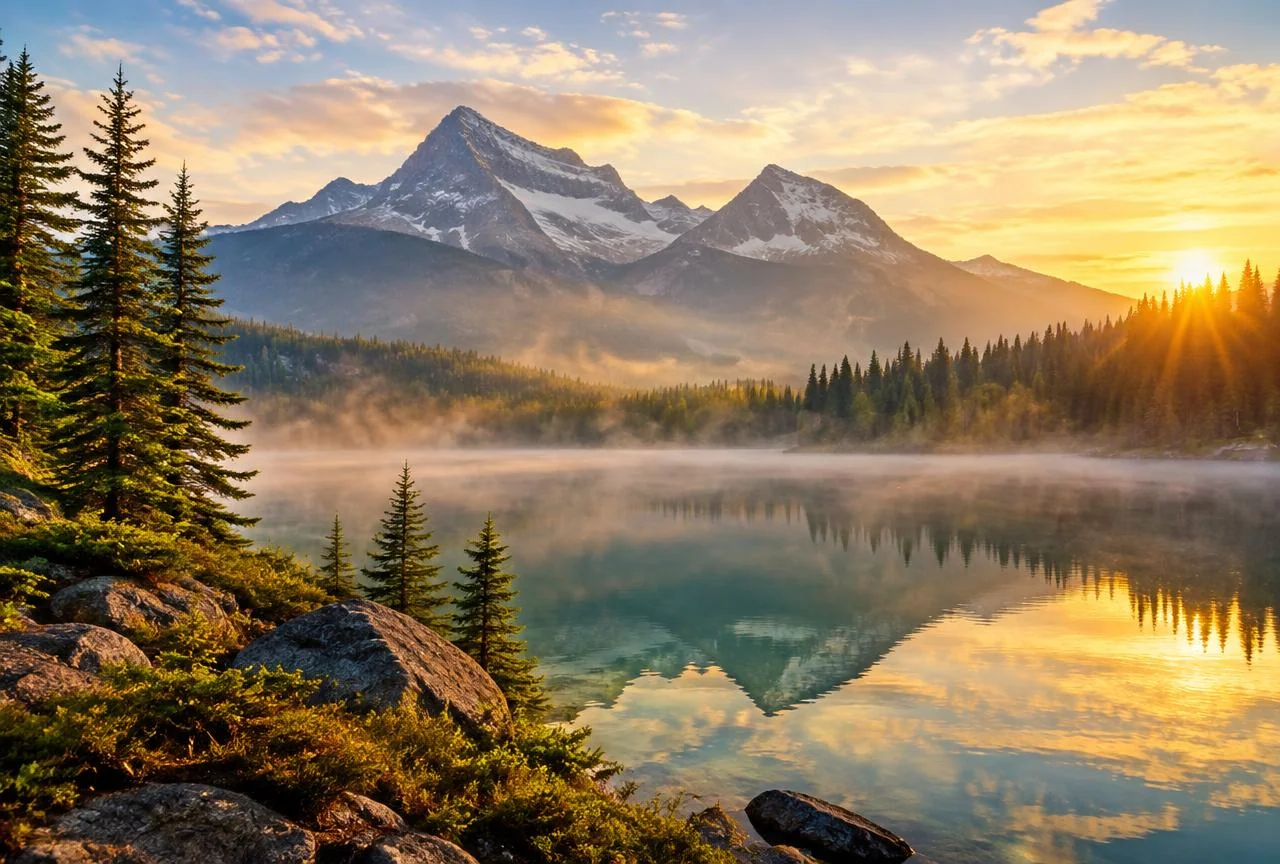
Illustrative demo, not customer work; a manual adjustment example.
How it works
- 01
Upload a supported photo to the editor.
- 02
Adjust brightness, contrast and saturation in small steps.
- 03
Review fine details at a comfortable zoom, then export your copy.
Transparent pricing
Seven days to try it. One simple plan.
Authorize recurring billing to start your trial. Downloads carry our website watermark for seven days; paid downloads do not.
$1 / month after seven days
₹85 monthly through Razorpay, with your explicit approval. Cancel in your account before the first charge. Razorpay may require a small authorization payment.
Start freeQuestions about image enhancement
Customer experiences
Verified customer stories will appear here when available. We do not publish sample testimonials as real reviews.
Share your experience